Last updated: October 26, 2026
Is Wix Really Free? Plans, Pricing, Pros & Cons, and How to Build a Website
Want to create your own website but don’t know how to code? Looking for a way to get started without spending money?
Wix is a website builder that lets you create and publish a site without programming knowledge. You can start for free, although features such as custom domains, removing Wix branding, and accepting online payments require a paid plan.
Free to get started. Opens the Wix website.
Your first website starts with one small step.
Explore your ideas, build your pages, and decide what works for you.
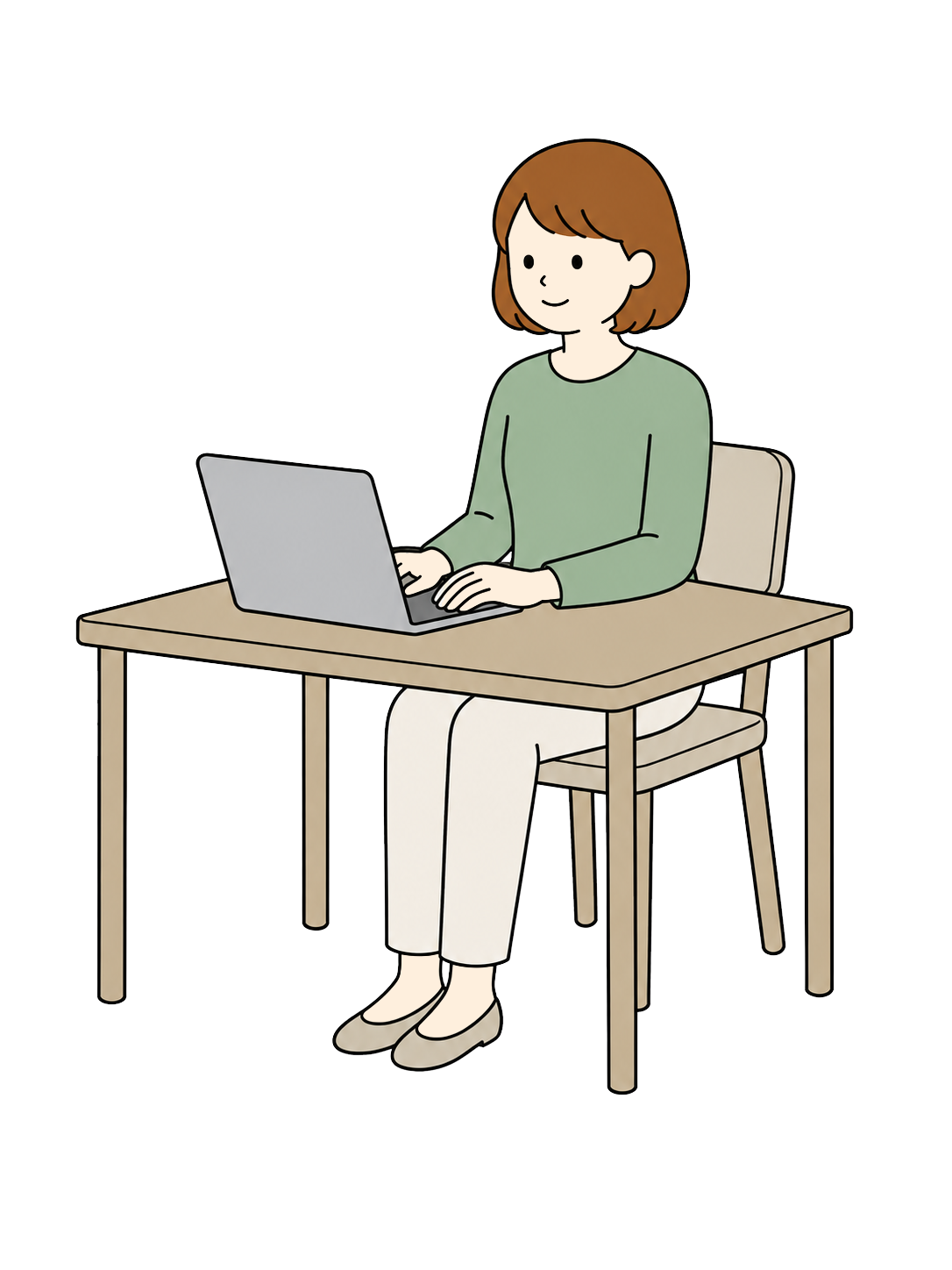
Yes, you can publish a website with Wix for free.
Wix lets you build and publish a website on its free plan. Free hosting and a Wix-branded web address are included.
However, free websites display Wix branding and cannot use a custom domain. The free plan is a useful starting point for personal projects, experiments, and learning. For a professional business website, a paid plan may be more suitable.
Our suggestion: Try the free plan first. Upgrade only when you know which features you need.
What Is Wix? A Website Builder for Beginners
Wix is an online website builder that lets you create and manage websites directly in your browser. You can customize templates, add text and images, create buttons, and organize your pages without writing code.
It’s designed for a wide range of projects, including personal websites, business pages, portfolios, blogs, and online stores. Some business features, such as online payments and booking tools, depend on your plan.
You don’t need to know how to code.
Wix provides visual editing tools, so you can work on your site’s layout and content without learning HTML or CSS first.
Who Is Wix Good For?
- People building their first website
- Small business owners who want an online presence
- Freelancers creating a portfolio
- Creators sharing their work
- Anyone who wants to explore website building before paying
What Can You Do with Wix for Free?
Wix’s free plan isn’t just a trial of the editor. You can create a website and publish it online without purchasing a paid subscription.
✓ What You Can Do for Free
- Create and publish a website
- Customize website templates
- Add text, images, and links
- Design pages for desktop and mobile visitors
- Use a free Wix-branded website address
- Use hosting included with the free plan
Important Limitations of the Free Plan
- No custom domain: Connecting your own domain requires a paid plan.
- Wix branding: Free websites display Wix advertising or branding.
- Limited resources: Storage and other features have restrictions.
- No online payments: You’ll need an eligible paid plan to accept payments through your website.
Wix Pricing and Plans Compared (October 2026)
Wix offers a free plan and several paid plans for different needs. The table below uses the plan names and reference prices published on Wix’s English-language website.
| Plan | Monthly Price* | Storage | Collaborators | Online Payments |
|---|---|---|---|---|
| Free | $0 | Limited | — | No |
| Light | $17.77 | 2 GB | 2 | No |
| Core | $29.77 | 50 GB | 5 | Yes |
| Business | $39.77 | 100 GB | 10 | Yes |
| Business Elite | $159.77 | Unlimited | 100 | Yes |
*USD reference prices based on annual subscriptions. Annual plans are billed upfront. Prices, taxes, promotions, and available plans vary by location and billing period. Confirm the final amount at checkout.
How Much Does Wix Cost per Year?
Using the reference monthly prices above, a 12-month subscription works out to approximately $204 for Light, $348 for Core, and $468 for Business, before applicable taxes.
These are simple annual calculations, not guaranteed checkout prices. Wix may offer different subscription terms or regional pricing.
What Do Paid Plans Add?
Paid plans let you connect a custom domain and remove Wix branding. Higher-tier plans offer features such as accepting payments, eCommerce, scheduling, and additional storage.
Some eligible annual plans include a free domain for the first year. Domain renewal fees may apply afterward, so check the terms before purchasing.
Find the Wix plan that fits your needs.
Start free and compare the available options when you’re ready.
5 Benefits of Building a Website with Wix
Wix offers several advantages, especially for people who are new to website creation.
Start Without Paying Upfront
You can build and publish a basic website before committing to a paid subscription. It’s a practical way to test your ideas.
Edit Your Site Without Coding
Visual editing tools make it easier to update text, images, and page layouts without programming knowledge.
Use Ready-Made Templates
Choose a design that suits your project, then replace the sample content with your own images and text.
Create a Mobile-Friendly Website
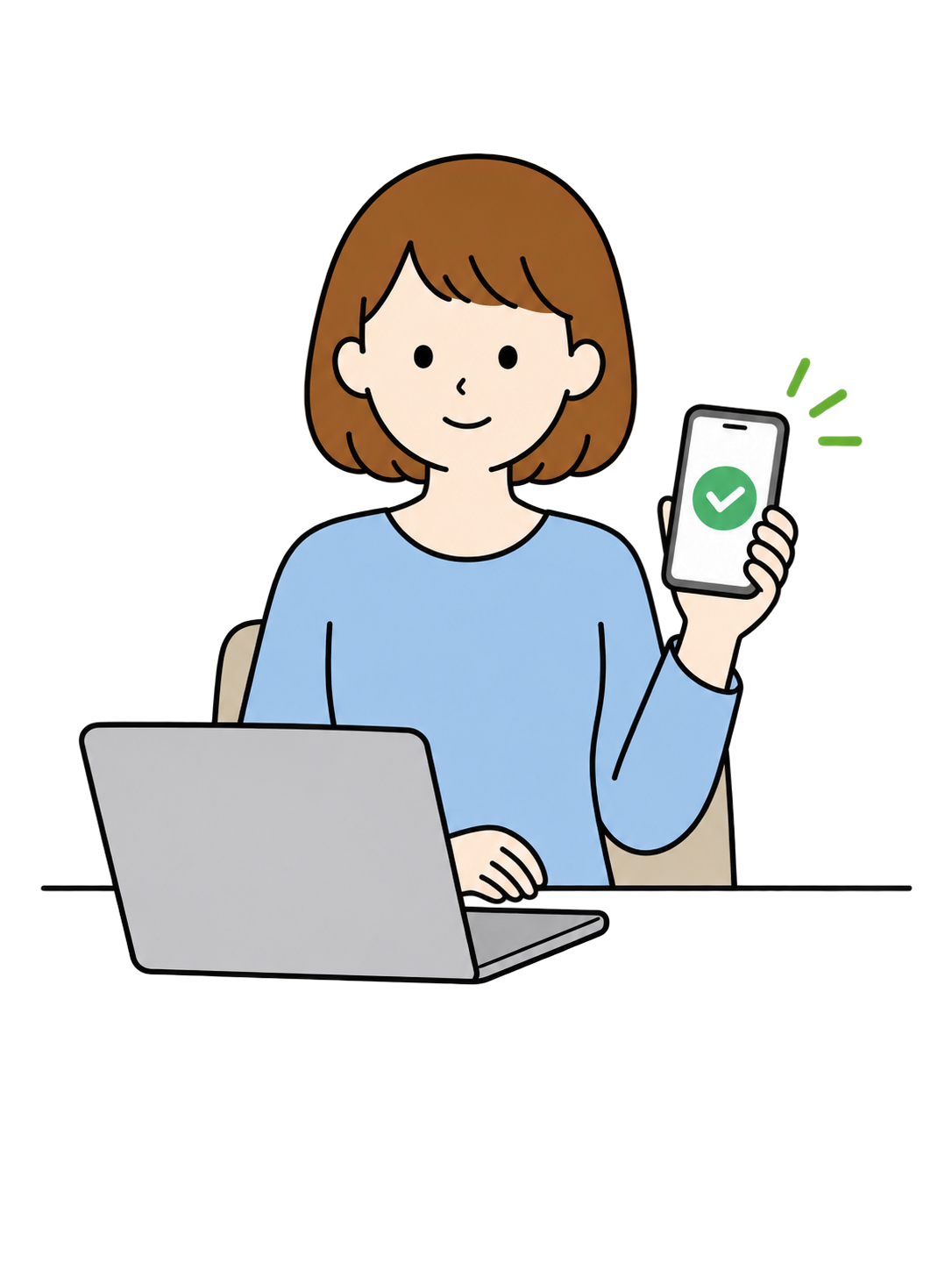
Wix provides tools for checking and adjusting how your website appears on smaller screens. Before publishing, test text readability, image placement, and button sizes on a real phone.
Add Features as Your Website Grows
Start with a simple informational site, then explore online bookings, payments, or store features if your project needs them. Check plan requirements before upgrading.
Make your pages feel more welcoming.
A friendly illustration can make a service description, tutorial, or introduction easier to approach.

5 Wix Limitations You Should Know About
Wix can be convenient, but it isn’t necessarily the best choice for every website. Consider these points before committing.
Free Websites Display Wix Branding
Your free website will include Wix branding. If you’re creating a professional business website, you may prefer a paid plan that removes it.
A Custom Domain Requires a Paid Plan
A memorable domain can look more professional on business cards, social profiles, and printed materials. Remember to budget for domain renewals as well.
Advanced Features May Cost Extra
Online payments and some business tools require an eligible paid plan. Third-party apps and additional services may also have their own fees.
Moving to Another Platform Can Take Work
If you switch website builders later, you may not be able to transfer your existing design and functionality exactly as they are.
Publishing a Website Doesn’t Guarantee Traffic
Wix includes SEO tools, but search visibility also depends on your content, competition, site structure, and ongoing improvements.
Give everything one final check.
Review your links, contact details, mobile layout, and images before making your site public.
How to Build a Website with Wix: 7 Beginner-Friendly Steps
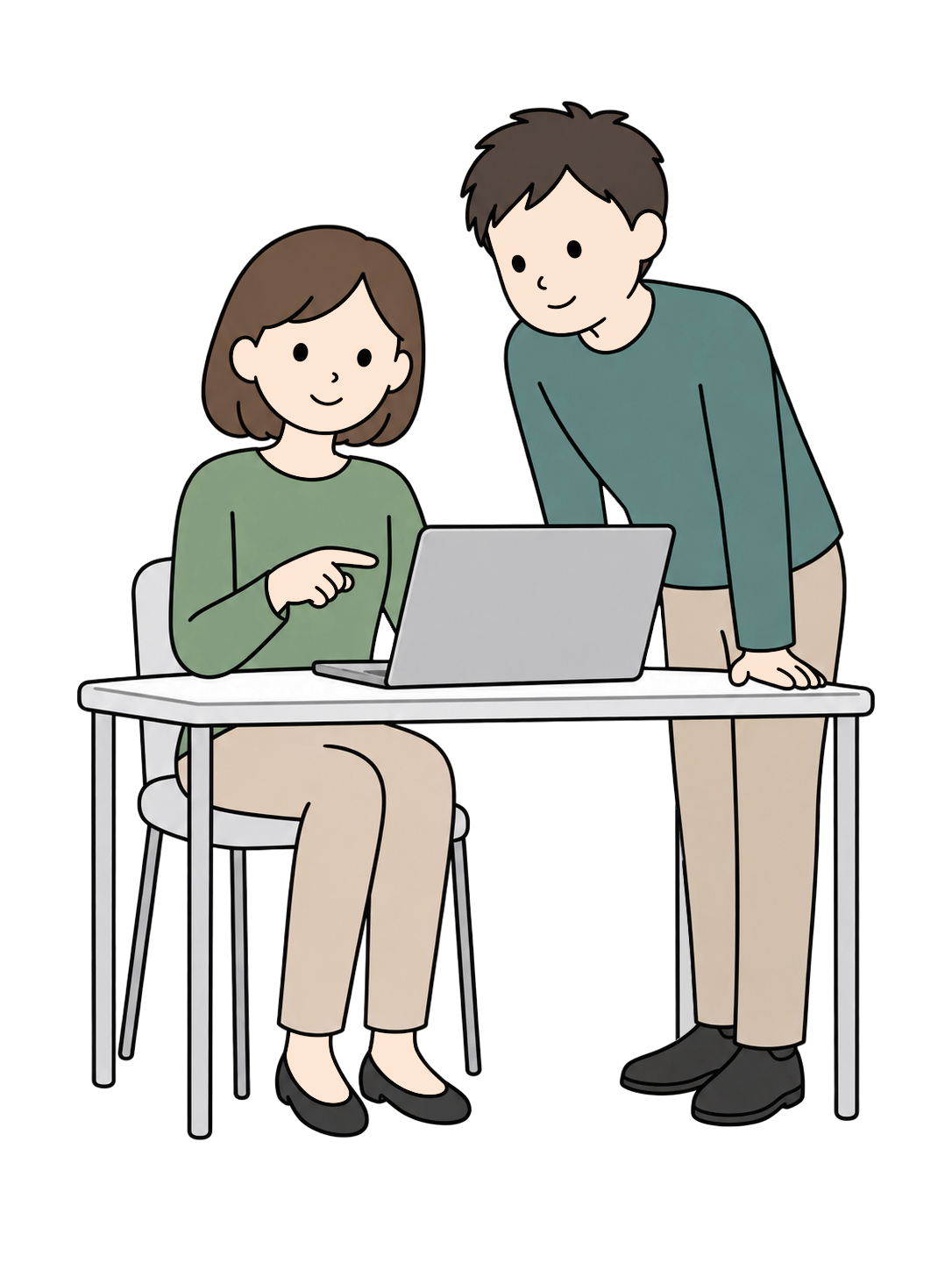
Here’s a simple overview of the website-building process. The exact screens and options may differ depending on the editor and any updates Wix makes.
Build it one step at a time.
You don’t need a perfect website on day one. Start with the information your visitors need most.

Create a Free Wix Account
Visit Wix and sign up. You can explore the website builder before choosing a paid plan.
Decide What Your Website Is For
Are you promoting a business, sharing a portfolio, or starting a blog? Define your main goal before designing your pages.
Choose a Template or Building Method
Select a design or available creation tool that fits your needs. Prioritize clarity and usability over appearance alone.
Add Your Text, Images, and Branding
Include essential information such as your services, location, opening hours, and contact details. Make it easy for visitors to find what they need.
Check the Mobile Version
Make sure text is readable, images aren’t awkwardly cropped, and buttons are easy to tap.
Set Up Basic SEO
Write clear page titles and descriptions. Use meaningful headings and descriptive alternative text for images.
Preview and Publish
Check spelling, links, contact information, and mobile display. Once your site is live, keep the information up to date.
For detailed instructions on specific features, visit the Wix Help Center.
See what you can create for free.
Explore Wix before deciding whether you need a paid plan.
Which Wix Plan Should You Choose?
Free: For Personal Projects and Experimenting
Start here if you’re exploring website building, creating a hobby site, or testing an idea without spending money.
Light: For Portfolios and Simple Professional Sites
A useful option if you want to connect a custom domain and remove Wix branding, but don’t need online payments.
Core: For Small Businesses and Basic Online Sales
Consider Core if you need to accept payments or use basic eCommerce and business features.
Business: For Growing Businesses
Designed for businesses that need more storage and expanded online selling or marketing capabilities.
Business Elite: For Larger Teams and Advanced Needs
Offers additional capacity and advanced features. Most first-time website owners won’t need to start at this level.
Make Your Wix Website Friendlier with Free YURUNDO Illustrations
A website needs more than just information. It should also feel clear, welcoming, and easy to explore.
That’s where YURUNDO can help. YURUNDO offers free illustrations covering everyday life, work, people, seasonal events, and more. You can use them to support your website’s content and make important information easier to understand.
Make your message feel a little more human.
Friendly illustrations can add warmth to your pages and help visitors understand your message at a glance.
- Service introductions
- Business and store information
- Blog posts and announcements
- Contact and FAQ pages
How to Use Illustrations Effectively
Choose illustrations that support the surrounding content. A simple character illustration beside a service description or an FAQ can make a page more approachable without distracting from the information.
Before using any illustration, check the applicable YURUNDO licensing and usage terms.
Connect Your Website and Printed Flyers with QR Codes
Once your website is published, the next challenge is helping people find it.
For example, a QR code on an event flyer or a store handout can lead people directly to your website, where they can find more details, opening hours, or contact information.
Bring your printed materials and website together.
YURUNDO FLYER is a free browser-based design tool for creating flyers and announcements. You can also use YURUNDO illustrations in your designs.
Create your website with Wix, turn its URL into a QR code, and add that code to a flyer. It’s a simple way to connect printed information with your online content.
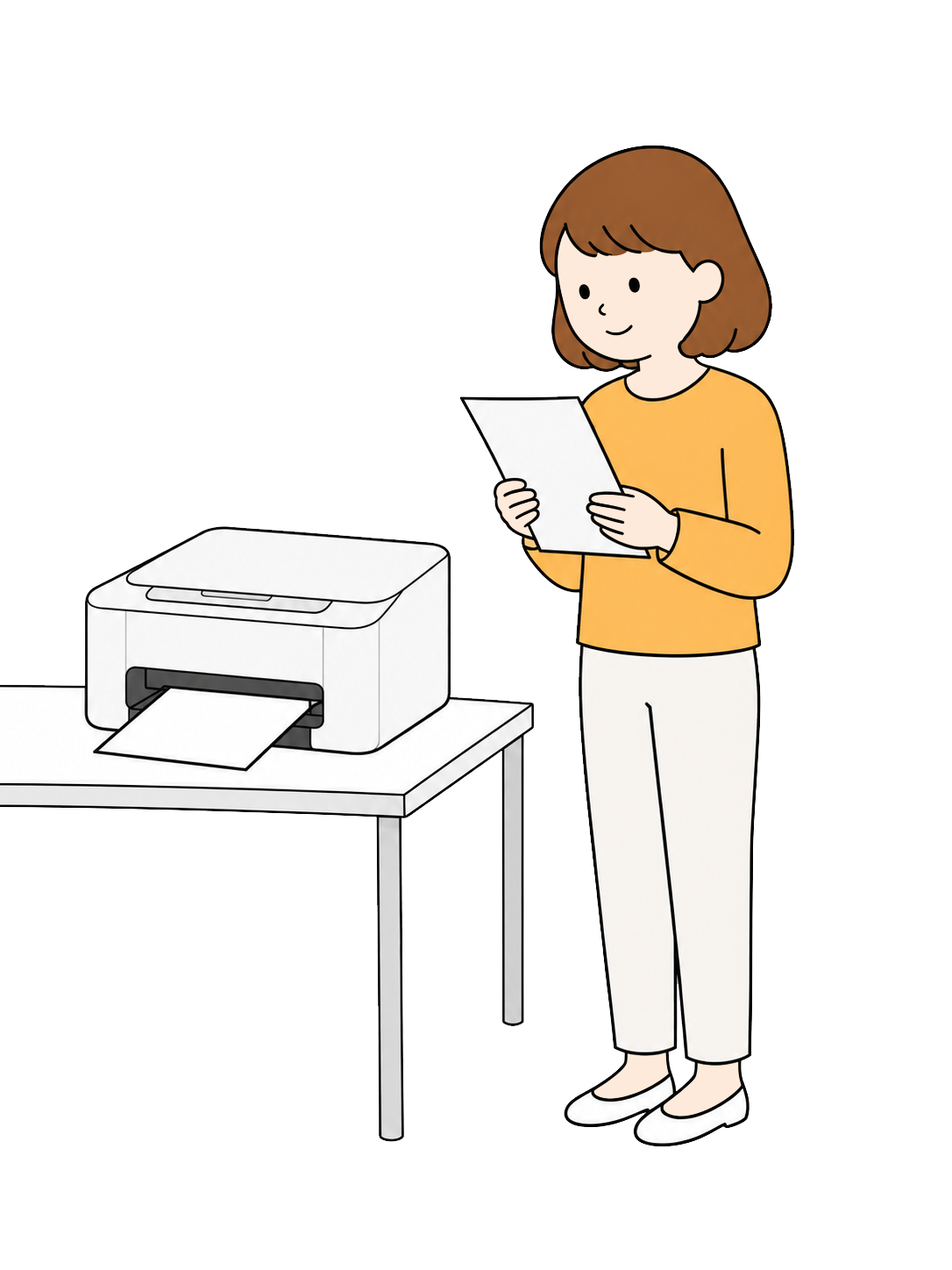
3 Steps to Connect Your Website and Flyer
Publish Your Wix Website
Add your business details, services, and contact information.
Design Your Flyer
Use YURUNDO FLYER to arrange your message, images, and text.
Add a QR Code
Create a QR code from your website URL and place it on the flyer. Test it with a smartphone before printing.
Frequently Asked Questions About Wix
Is Wix really free?
Yes. Wix has a free plan that lets you create and publish a website. However, your site will display Wix branding, and you’ll need a paid plan to connect a custom domain or accept online payments.
Can I keep using Wix for free?
Yes. Wix’s free plan has no fixed expiration date. You can continue using the Wix-provided web address without paying separate domain registration or hosting fees. However, Wix may change its features or terms in the future.
How much is the cheapest paid Wix plan?
As of October 2026, Wix’s English-language pricing information lists the Light plan at approximately $17.77 per month with annual billing. Prices vary by location, taxes, and subscription terms.
Can I build an online store with Wix?
Yes. Wix offers eCommerce features. To accept online payments, you’ll need an eligible paid plan.
Can I use free illustrations on my Wix website?
Yes, provided the illustrations’ license allows your intended use. YURUNDO offers free illustrations, but you should review its usage terms before using them.
Can a QR code on a flyer link to my Wix website?
Absolutely. Create a QR code using your published website URL, add it to your flyer, and test the code before printing.
Is Wix Worth Trying? Start Free and Decide Later.
Wix makes it possible to create and publish a website without coding. Its free plan is a practical option for beginners who want to explore website building before making a financial commitment.
If you need a custom domain, a website without Wix branding, or online payments, you’ll need to consider a paid plan. Compare the features you actually need rather than choosing a plan based on price alone.
You can also make your website more welcoming with free illustrations from YURUNDO. And with YURUNDO FLYER, you can create printed materials that link back to your website through a QR code.
Ready to create your own website?
Start for free, explore the design tools, and see what works for you.
You’ll be redirected to the Wix website.